Latest Version
Guto Pardini
Design
Linux
Free
io.github.gutopardini.wayshot
Report a Problem
More About WayShot
A Streamlined Wayland Screen Capture Experience
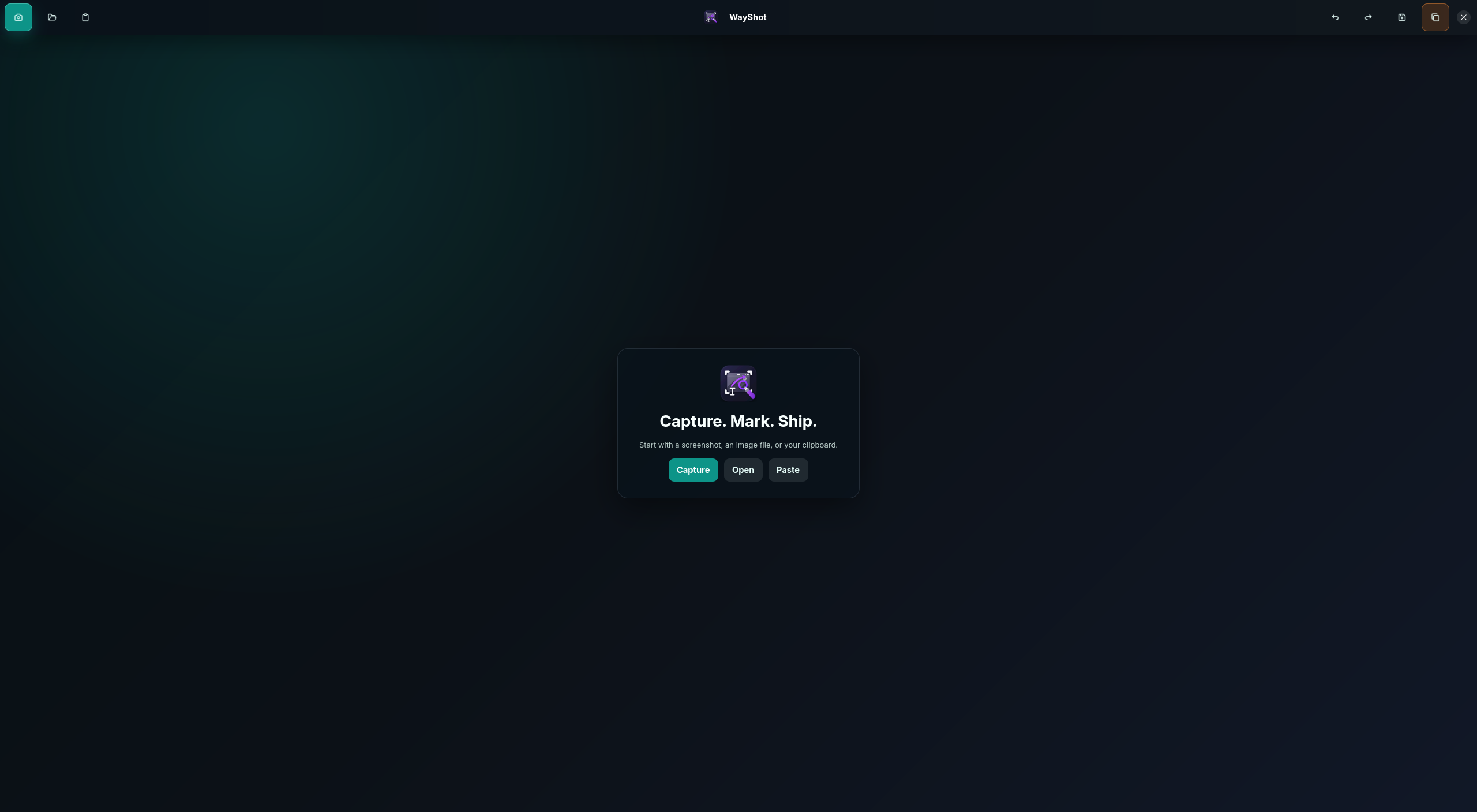
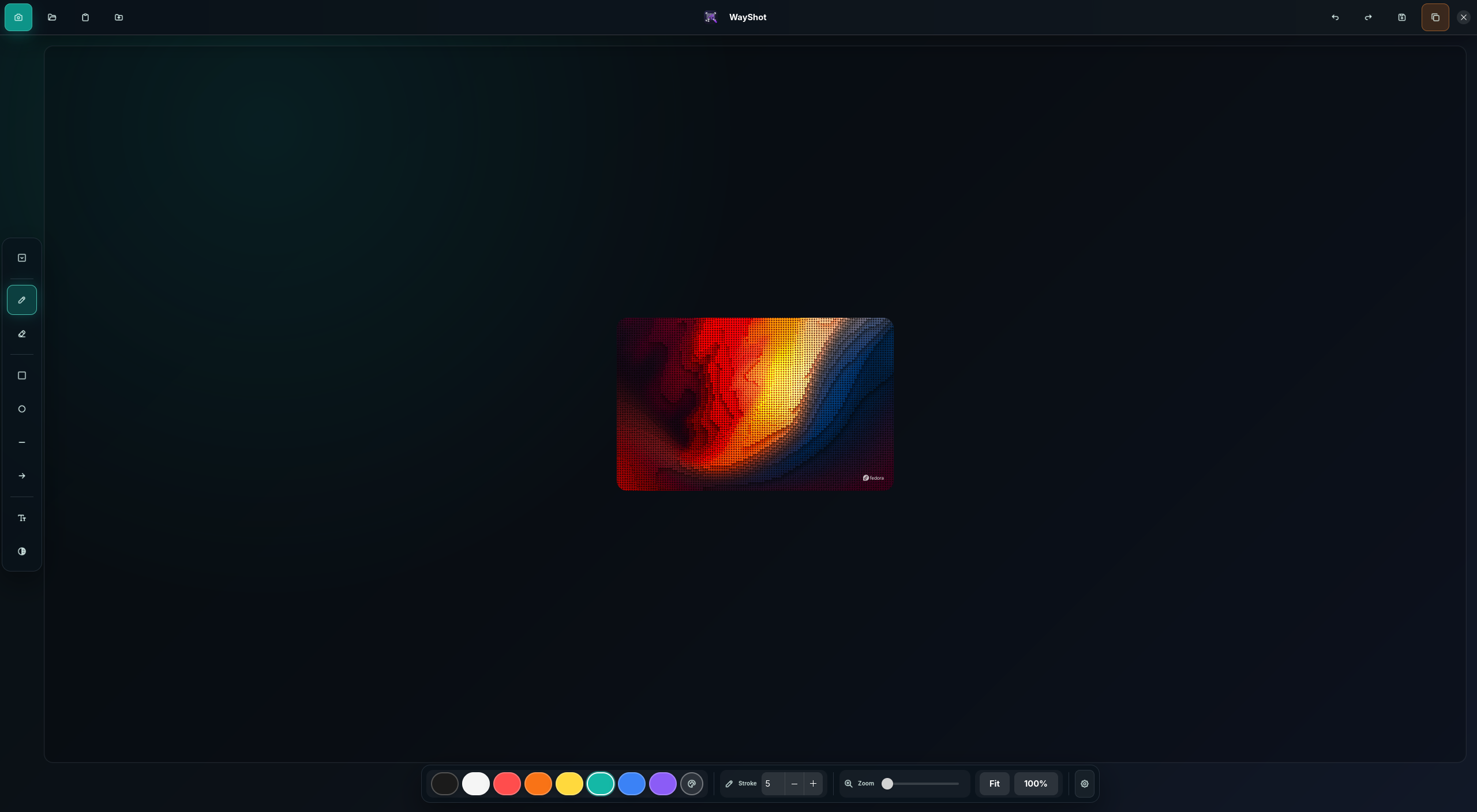
Finding a reliable, lightweight utility for capturing and annotating your screen on modern Linux desktops can be a challenge. Enter WayShot GNOME Wayland screenshot tool, a highly focused, open-source application developed by Guto Pardini. Designed specifically for the GNOME desktop environment running on the Wayland display server protocol, this utility draws inspiration from the popular Flameshot tool while maintaining a strictly minimal footprint. If you need to quickly grab a region of your screen, add immediate annotations, and share it without dealing with bloated software, this application is built for your exact workflow.
Key Features of WayShot
WayShot is tailored for speed and precision. Rather than trying to be an all-in-one image editor, it focuses on the essential actions you need during a active desktop session:
- Targeted GNOME & Wayland Support: Unlike older tools that rely on X11 legacy layers, this tool is built from the ground up for native GNOME on Wayland compatibility, ensuring smooth performance and secure window capturing.
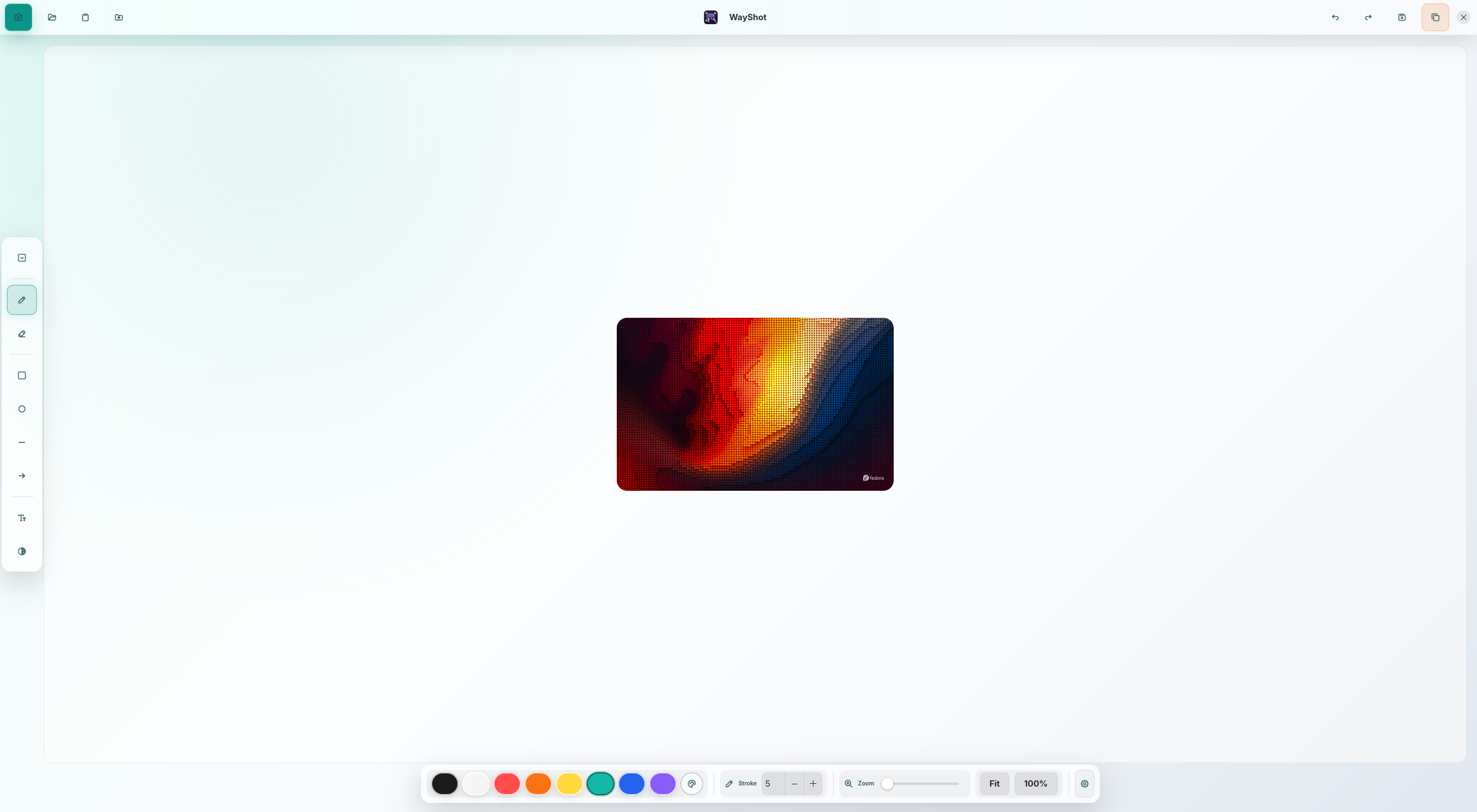
- Instant On-Screen Annotations: Draw shapes, add arrows, highlight text, or write notes directly onto your captured area before saving.
- Minimalist Interface: The interface stays out of your way, launching instantly and disappearing the moment your task is complete.
Who Is This Screenshot Tool For?
This utility is ideal for developers, technical writers, and power users who operate exclusively within modern Linux environments. Because it is optimized specifically for GNOME on Wayland, it avoids the compatibility issues often found in cross-platform tools. It is a perfect match for anyone who needs to quickly document software bugs, create visual guides, or share annotated snippets of code and UI elements with team members.
Our Editorial Verdict
The WayShot GNOME Wayland screenshot tool succeeds by doing one thing exceptionally well. It eliminates the friction of capturing desktop elements under Wayland while providing the exact annotation tools required for daily communication. If you are running a compatible Linux distribution and want a fast, native experience, we highly recommend exploring this project. You can find more details and access the application directly on its official page on Flathub.
Rate the App
User Reviews
Popular Apps










Editor's Choice