

Latest Version
Million
Tools
Windows
Free
9nl4bltcfqwx
Report a Problem
More About System Internals (exploring & studying)
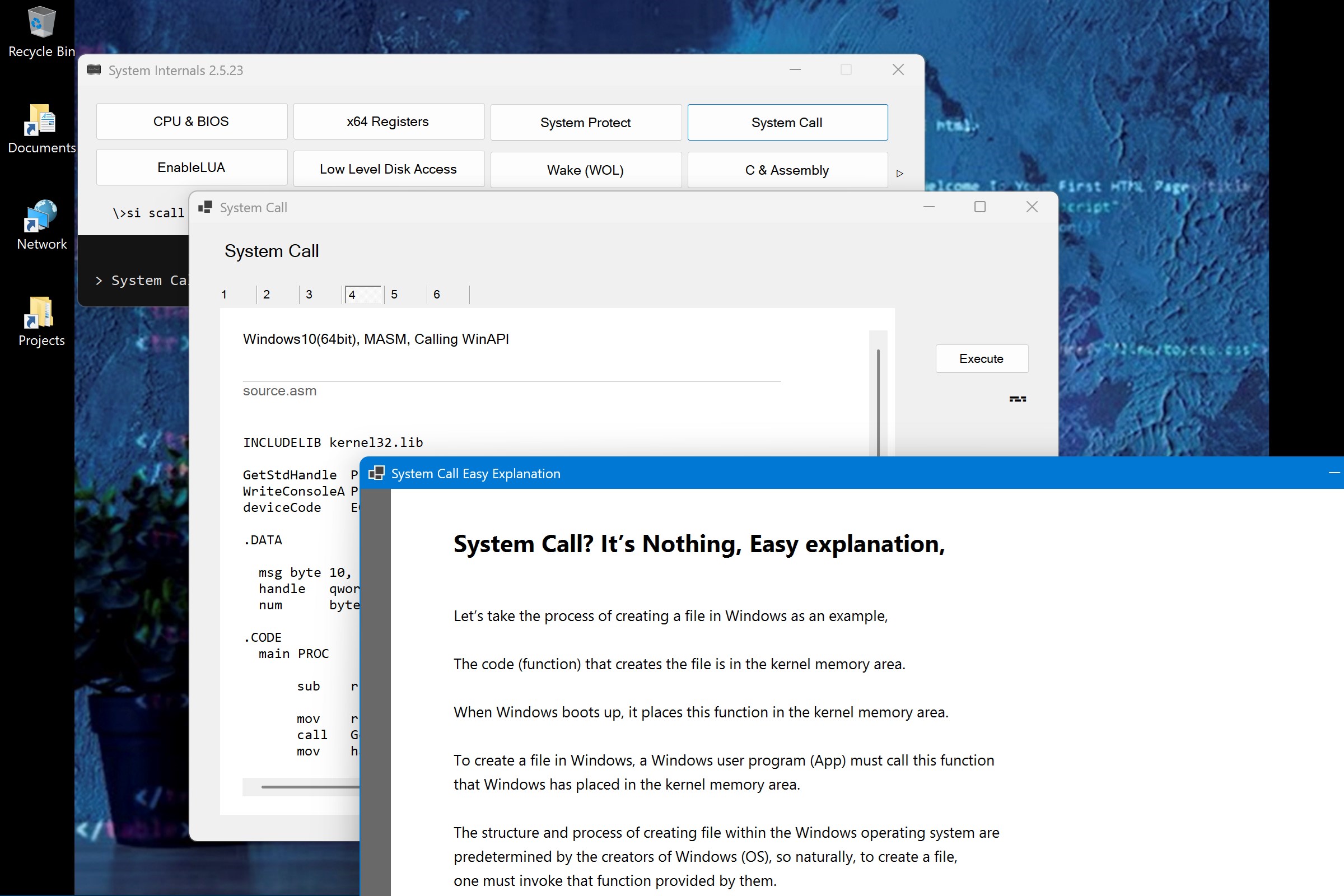
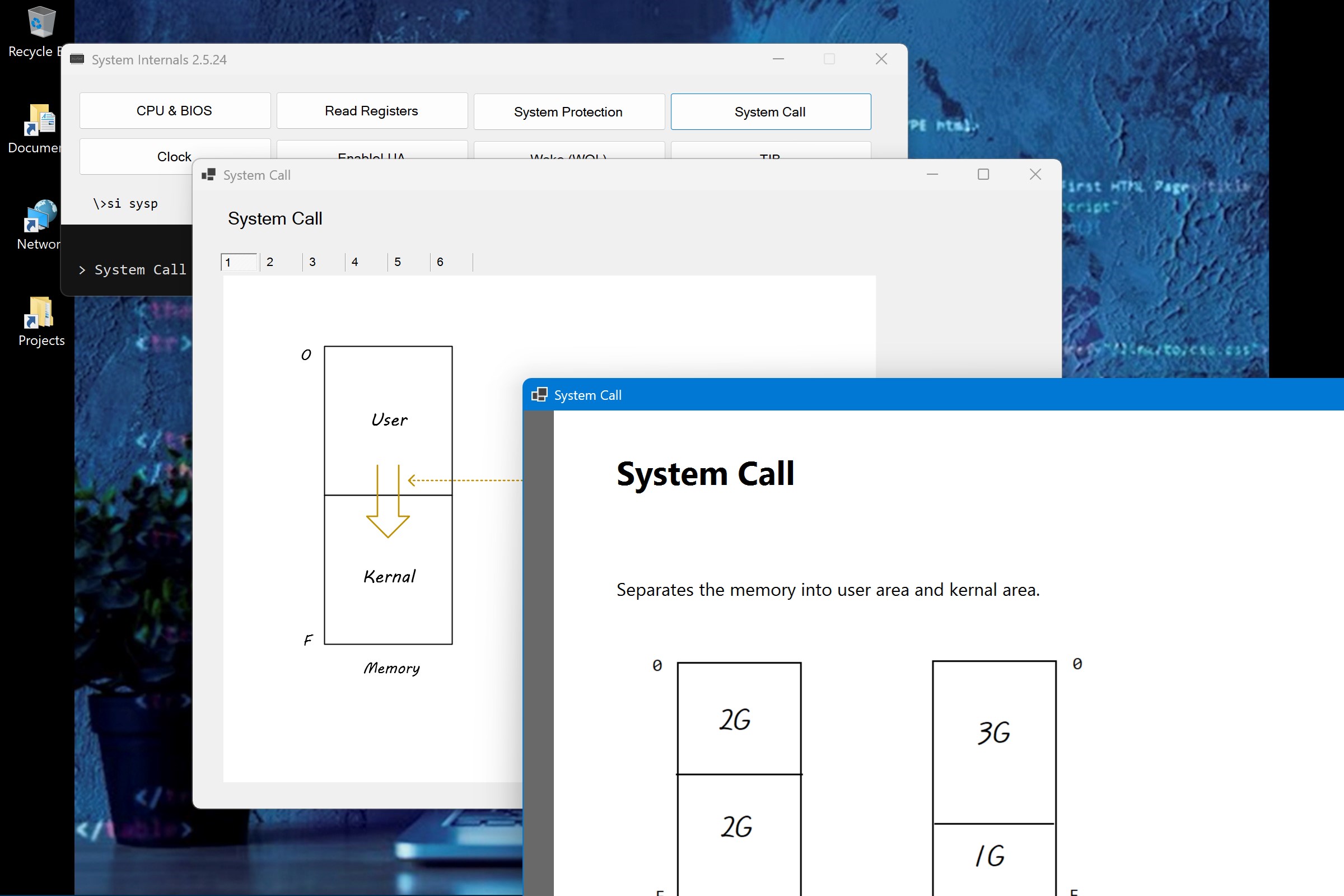
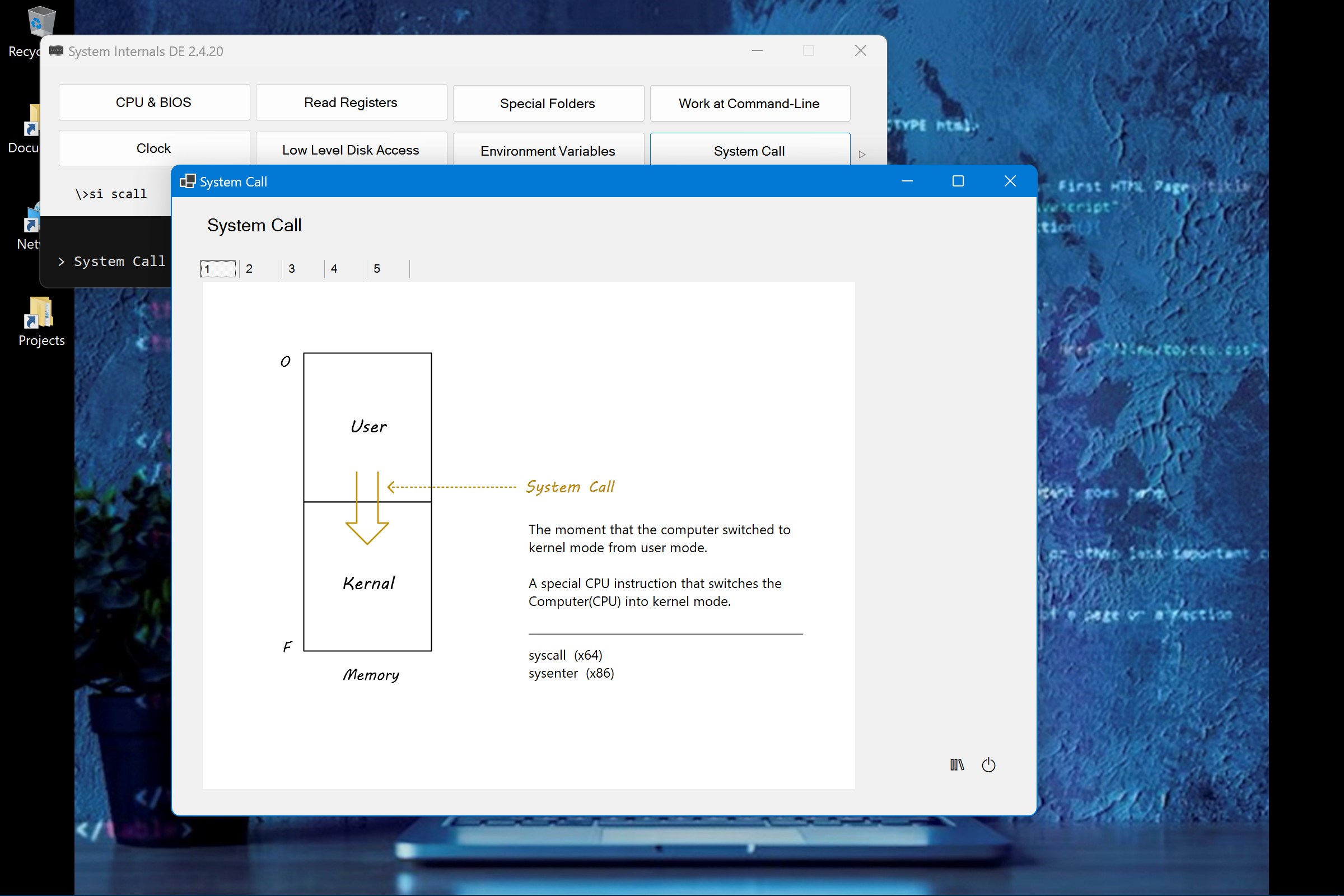
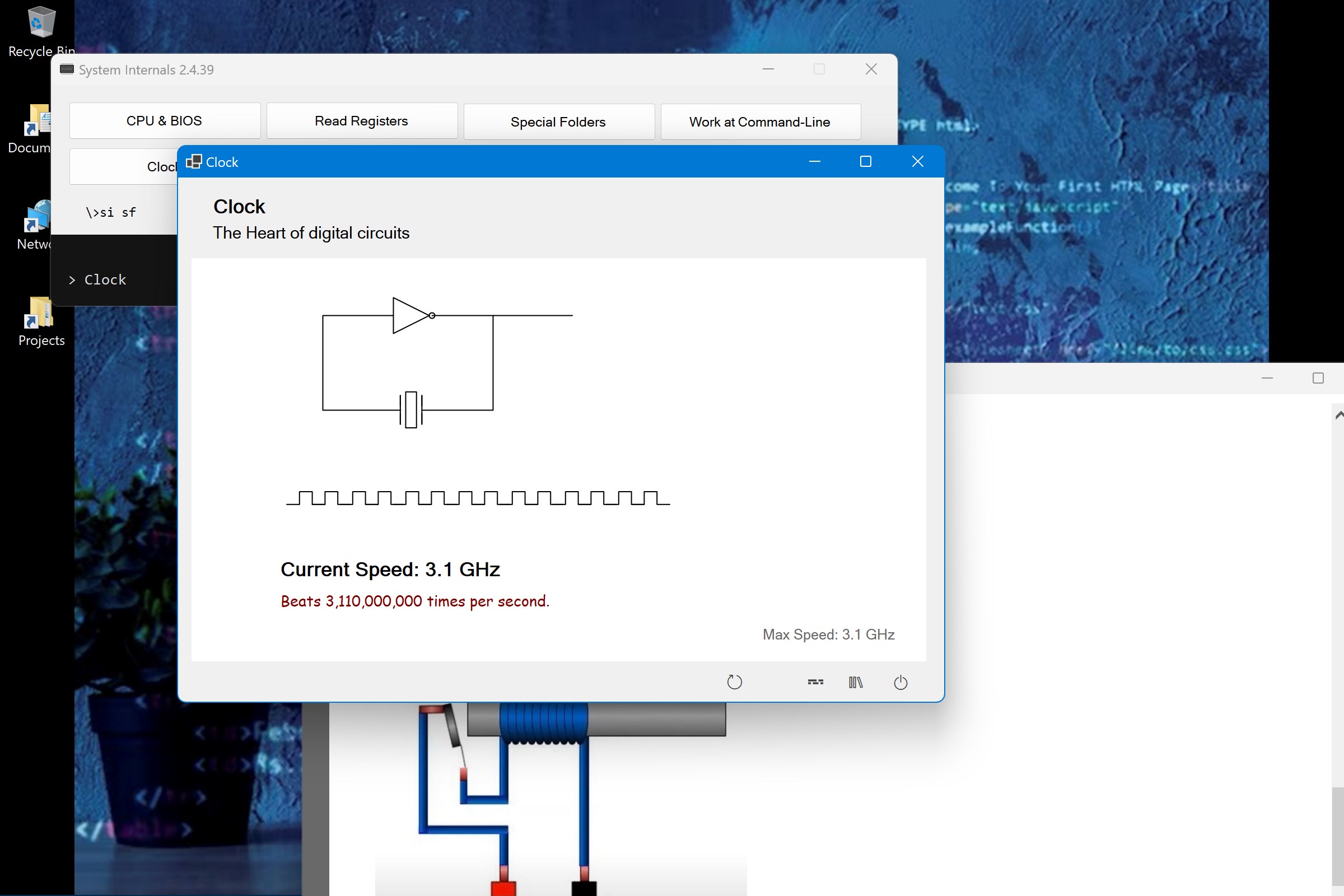
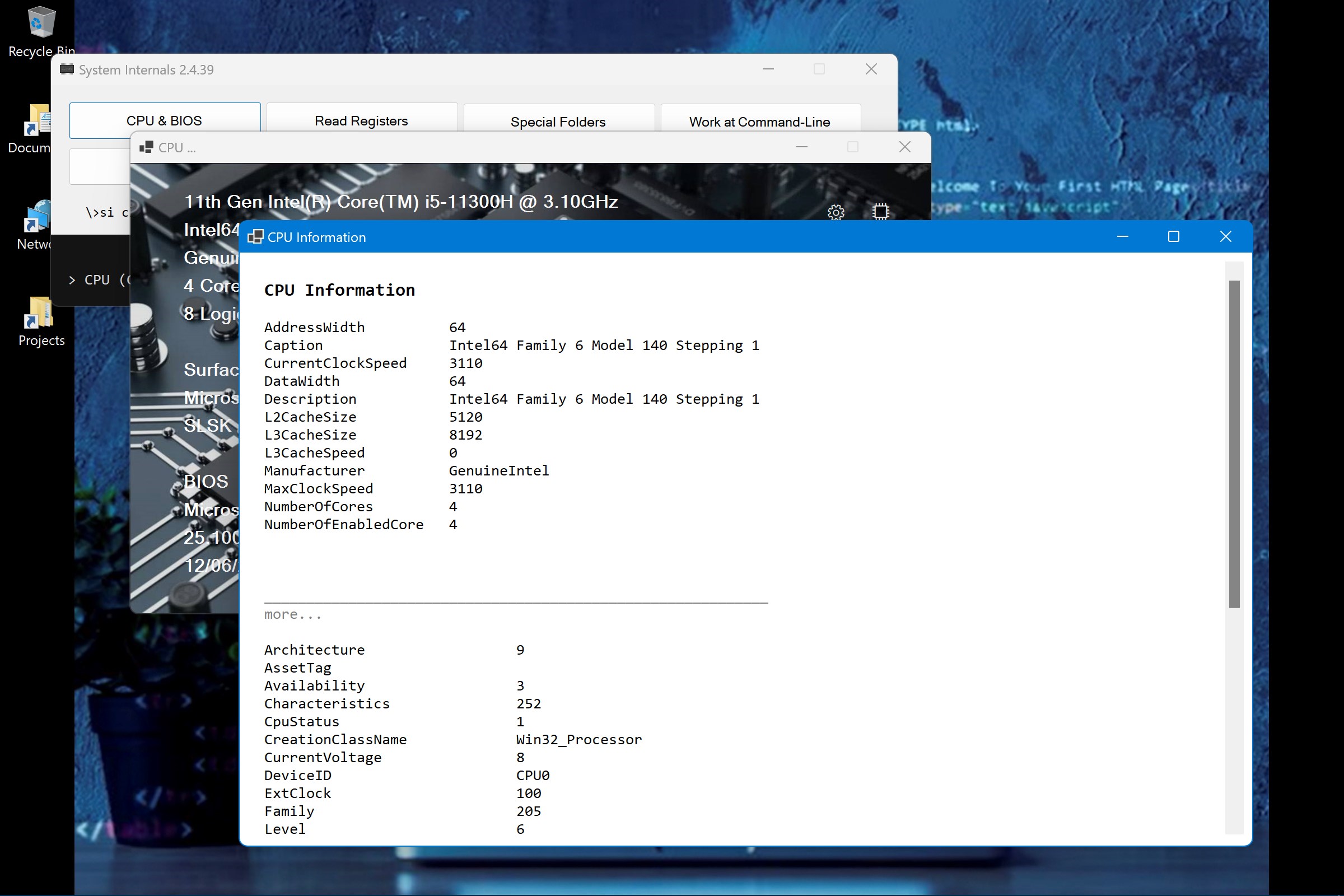
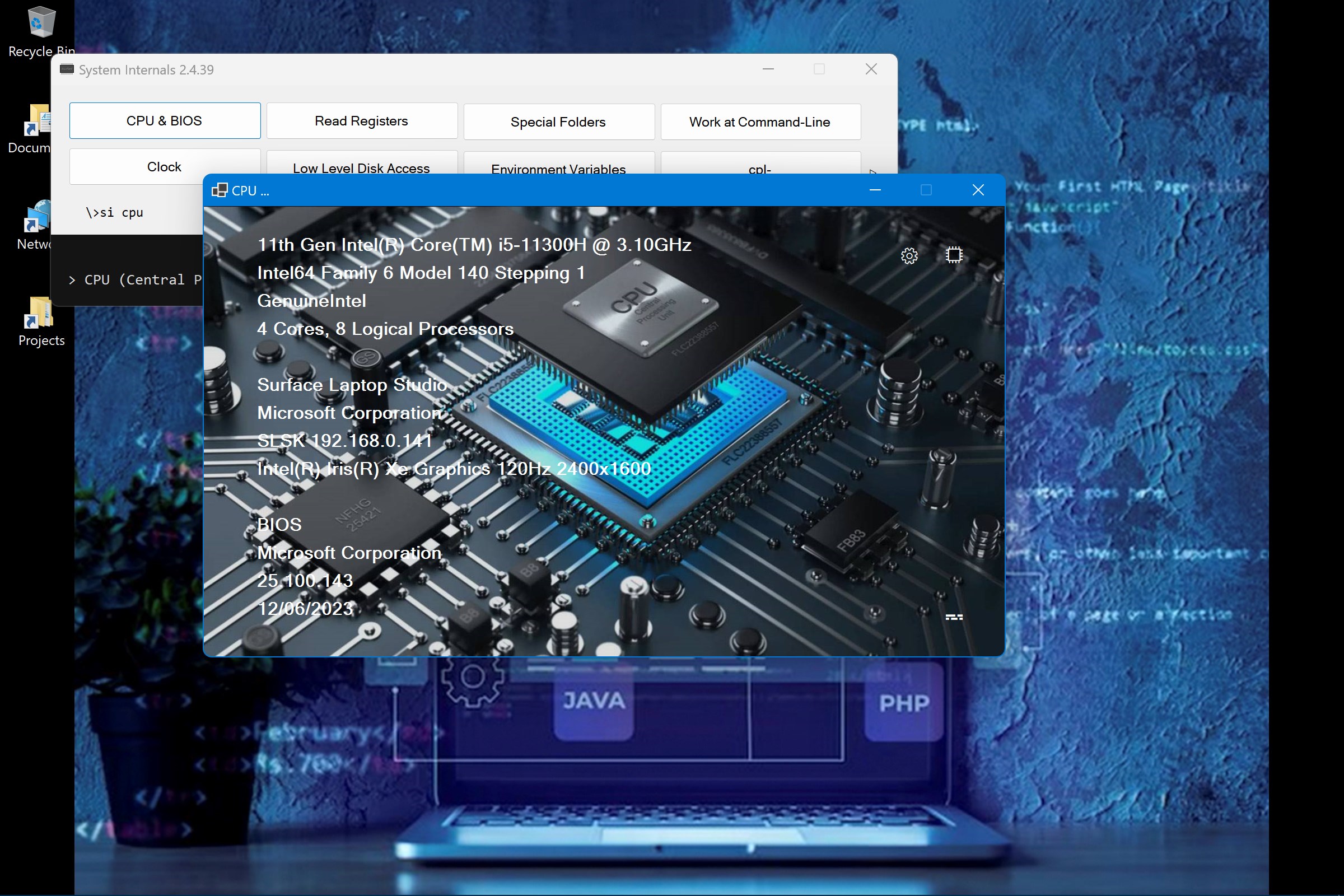
Stepping into the deeper layers of your operating system can feel like navigating an intricate labyrinth. With System Internals (exploring & studying), developer Million provides tech enthusiasts and system administrators with a specialized console environment designed to probe and analyze the inner workings of Windows. Rather than offering a flashy graphical interface, this tool takes a direct, command-line approach to system exploration, making it an intriguing choice for those who want to understand what happens beneath the surface of their PC.
Navigating the Console Experience
When you first launch System Internals (exploring & studying), the interface immediately signals its technical nature. Operating as a command-line utility, it requires administrative privileges to unlock its full potential. Because it interacts directly with low-level system structures, running the application as an administrator is essential; otherwise, standard Windows permission controls will restrict your access to critical data points.
For users accustomed to modern GUI diagnostics, the learning curve here is steep but rewarding. The integration of a Lua-based command environment allows for scripted queries and custom interactions. Simply typing lua help into the command line opens up the built-in documentation, guiding you through the available syntax and commands needed to start your system analysis.
Key Features for In-Depth System Analysis
- Low-Level Exploration: Designed specifically for studying internal operating system behaviors, process structures, and memory environments.
- Lua Scripting Integration: Utilize Lua commands directly within the console to automate queries and parse system data efficiently.
- Lightweight Footprint: A minimal command-line tool that avoids resource-heavy graphical overhead, focusing entirely on raw data retrieval.
Who Is This Tool For?
This is not a general-use cleanup utility or a basic task manager. System Internals (exploring & studying) is built specifically for students of computer science, software developers, and IT security professionals who need to observe how Windows manages processes and resources. It serves as an educational sandbox where you can safely learn about system permissions, API behaviors, and kernel-level interactions.
Due to the security protocols of modern Windows environments, some advanced features may still be blocked by system-level access controls even when running as an administrator. This behavior itself offers a practical lesson in modern OS security boundaries and privilege escalation defenses.
Explore the Internals Safely
If you are ready to move past standard diagnostic tools and want a hands-on, scriptable environment to study Windows architecture, this application offers a unique, minimalist gateway. To begin your technical journey, you can find the official listing for System Internals (exploring & studying) on the Microsoft Store, where you can safely acquire it for your Windows device.
Rate the App
User Reviews















Popular Apps










Editor's Choice