

Latest Version
Tools Assistant LLC
Tools
Windows
Free
9ngt2s0ktqkh
Report a Problem
More About Advanced Cleaner - System Junk Cleanup
An Essential Windows Utility for Reclaiming Your Digital Space
As our digital lives expand, our computers inevitably accumulate digital clutter. Advanced Cleaner - System Junk Cleanup by Tools Assistant LLC is a dedicated Windows utility designed to address this exact problem. Rather than letting hidden cache files, temporary data, and redundant duplicates slow down your daily workflow, this application provides a structured approach to system optimization. In this review, we examine how it helps users reclaim valuable disk space and maintain peak system efficiency.
Who Benefits Most from This Storage Optimizer?
This software is particularly beneficial for professionals, creators, and daily Windows users who handle large volumes of files and notice gradual performance drops. If your hard drive is constantly nearing its capacity or you struggle to locate specific documents amidst a sea of forgotten downloads, Advanced Cleaner - System Junk Cleanup offers a centralized dashboard to clear out the noise. It is designed for those who want a straightforward, visual way to manage system storage without navigating complex nested directories.
Key Features for Targeted System Maintenance
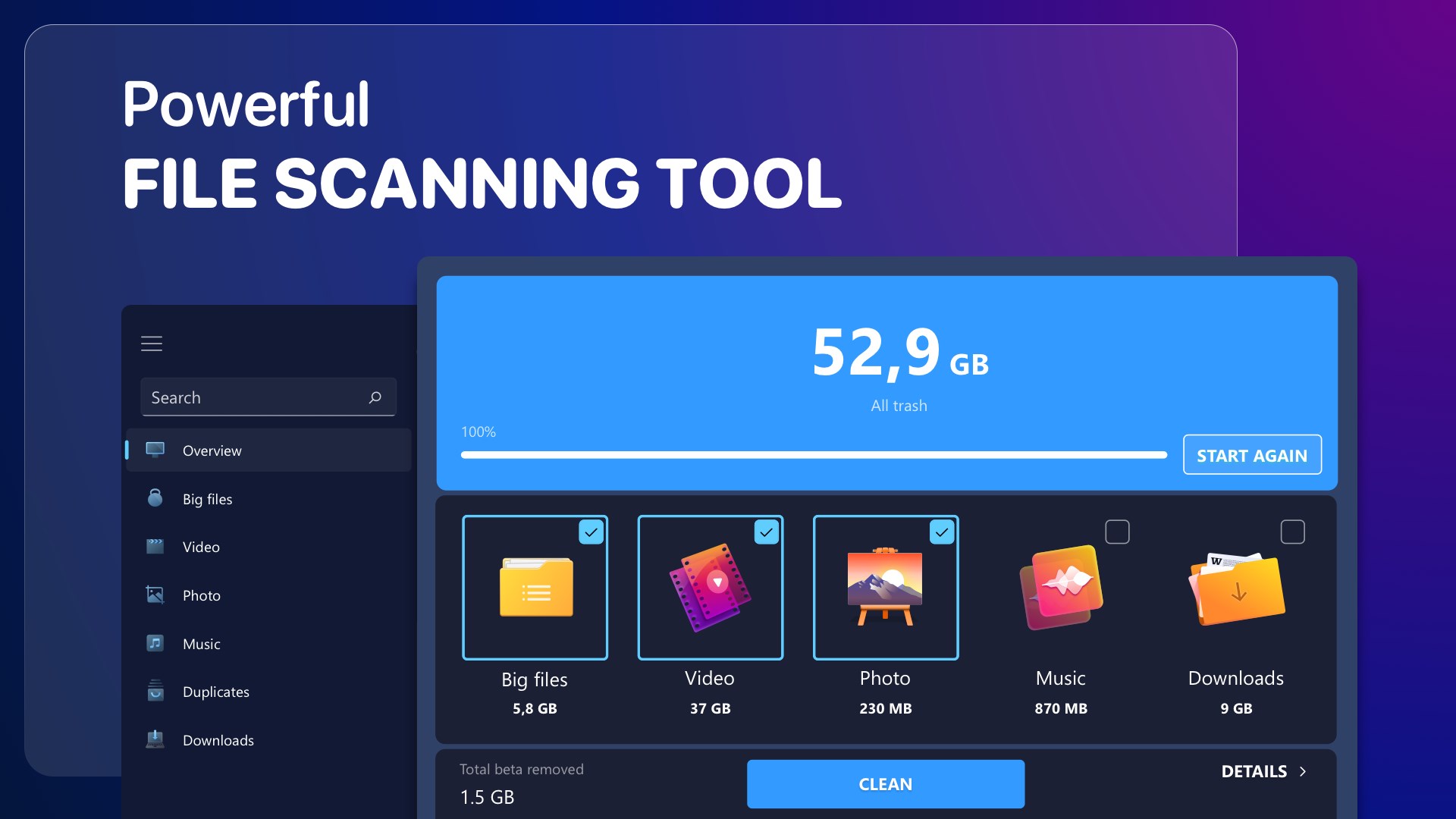
- Automated Disk Space Calculation: Upon initiating a system scan, the application automatically calculates and categorizes the space you can reclaim. It intelligently groups detected files into easily recognizable categories such as photos, videos, music, and downloads.
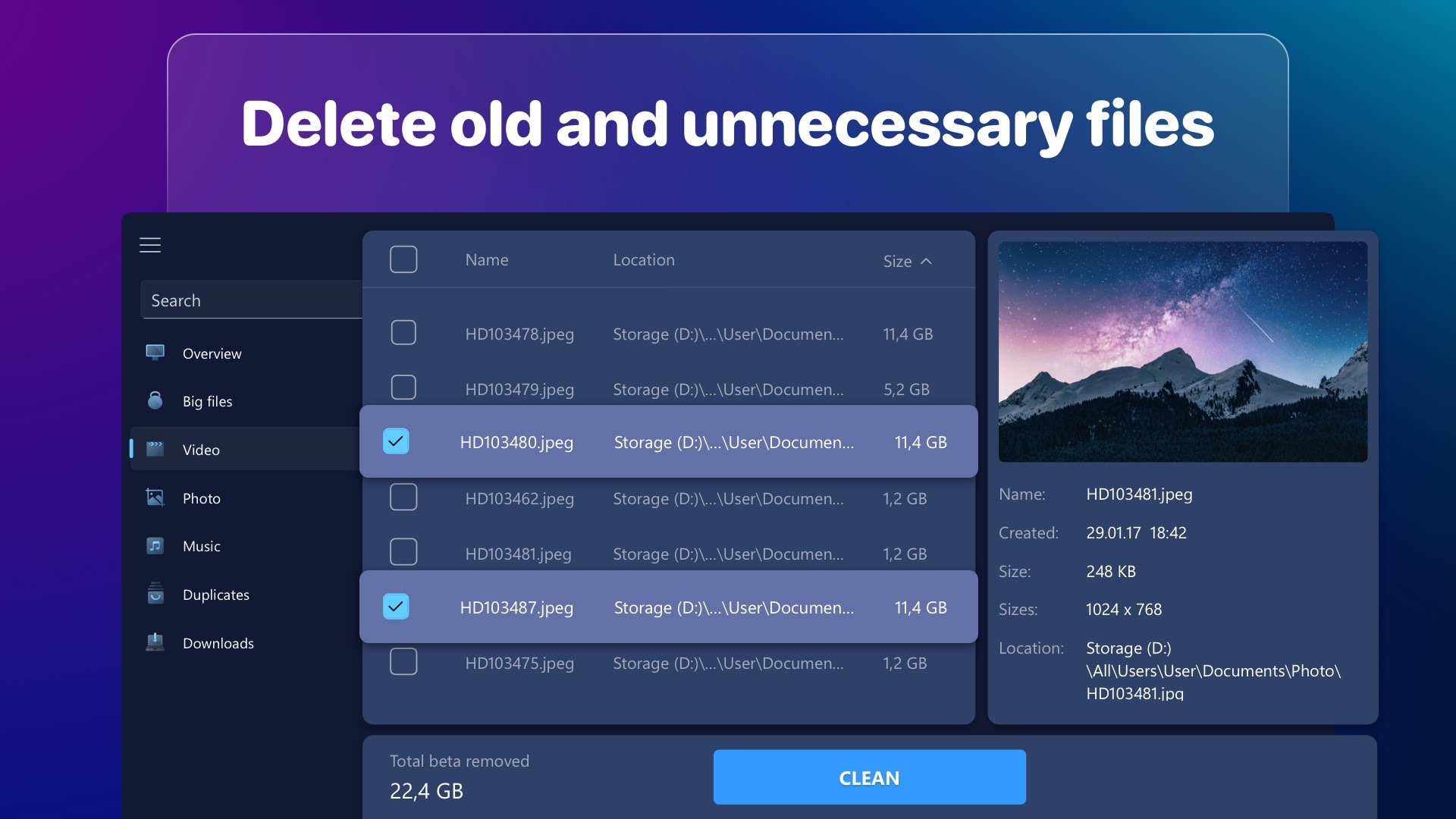
- Integrated Duplicate File Finder: Redundant copies of media and documents often quietly consume gigabytes of storage. The built-in duplicate finder helps you safely identify and remove these clones.
- Instant Cache and Junk Removal: The tool targets temporary files and hidden system cache that accumulate over time, offering a quick way to accelerate your PC's responsiveness.
- User-Friendly Folder Scanner: Easily pinpoint which specific folders are bloated with outdated data so you can make informed deletion decisions.
Streamlining Your PC Speed Up Process
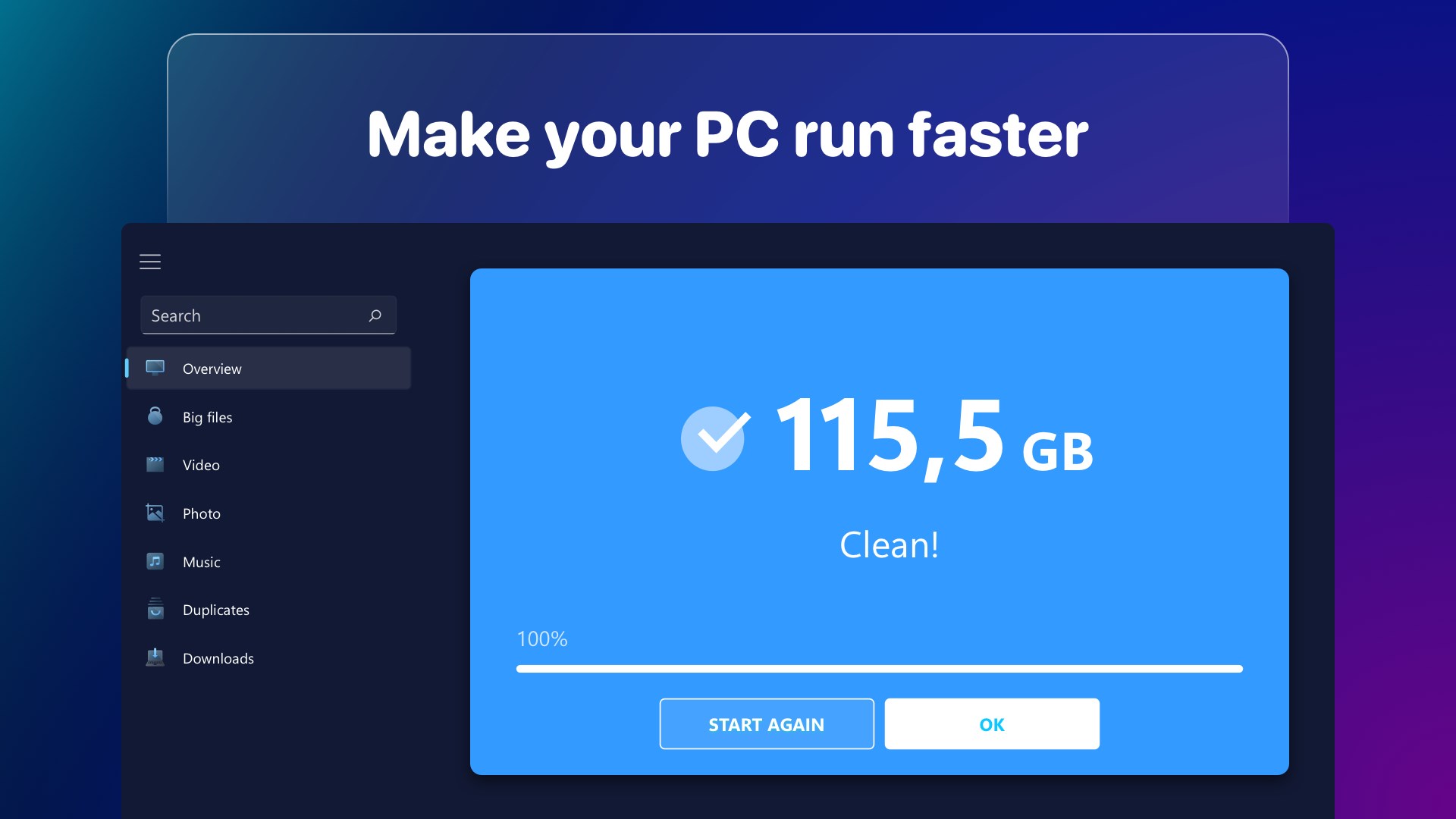
Over time, unnecessary background files can hinder your operating system's overall speed. By performing a targeted system cleanup with Advanced Cleaner - System Junk Cleanup, you can eliminate these digital bottlenecks. The application makes it easy to target the largest files first, ensuring that your cleanup efforts yield the maximum possible free space. While the free version provides a single comprehensive cleanup with standard ad support, power users can opt for a premium subscription to unlock unlimited cleanups and an ad-free environment.
Our Editorial Verdict
If you are looking for a reliable, visual, and highly organized utility to keep your Windows device running smoothly, this application is a strong contender. It simplifies what is often a tedious manual chore into a few clear clicks. To try the tool and optimize your storage, visit the official Microsoft Store today to explore Advanced Cleaner - System Junk Cleanup.
Rate the App
User Reviews















Popular Apps










Editor's Choice